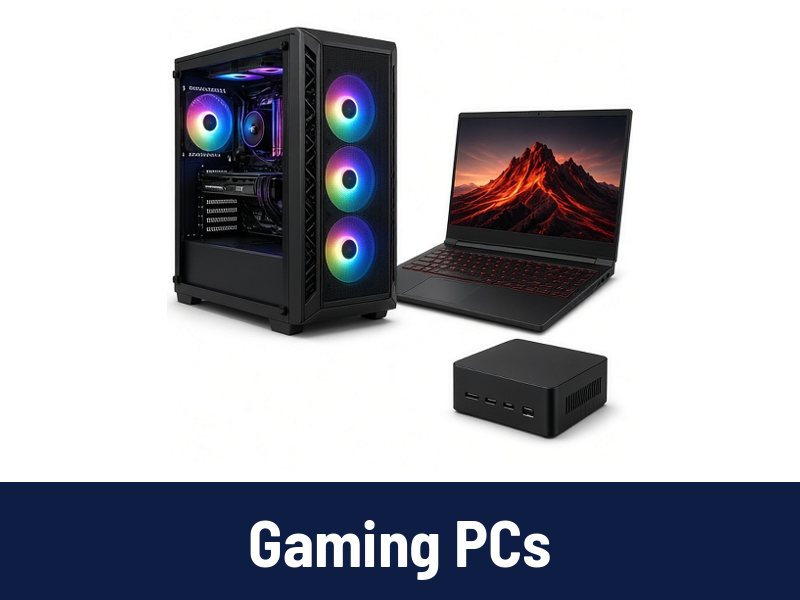
 Gaming PCs
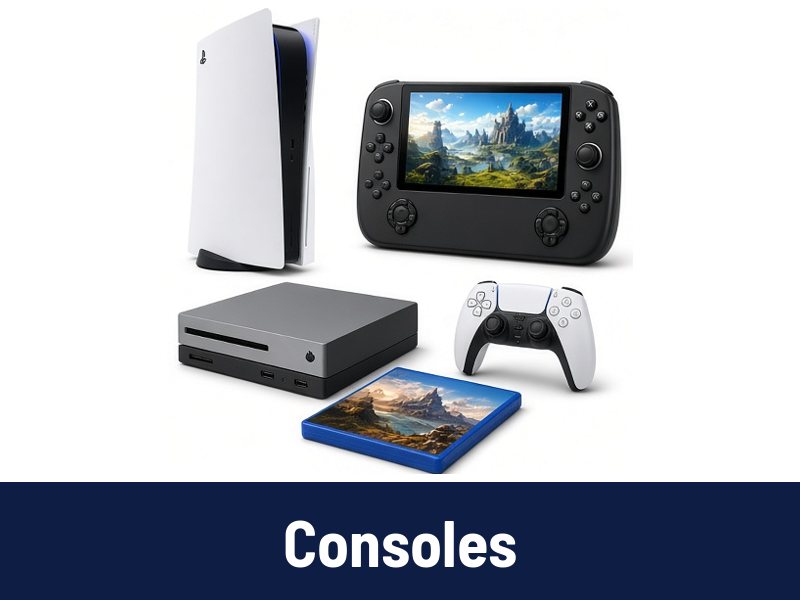 Consoles
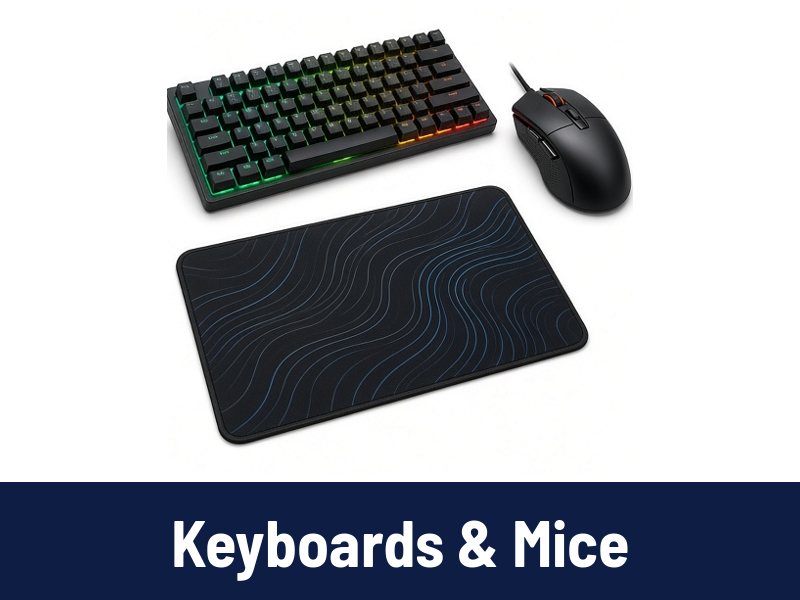 Keyboards & Mice
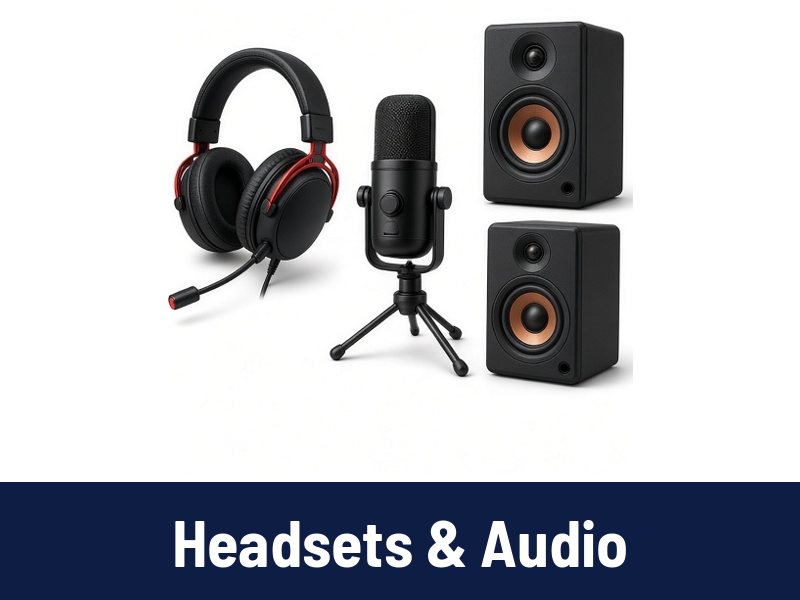 Headsets & Audio
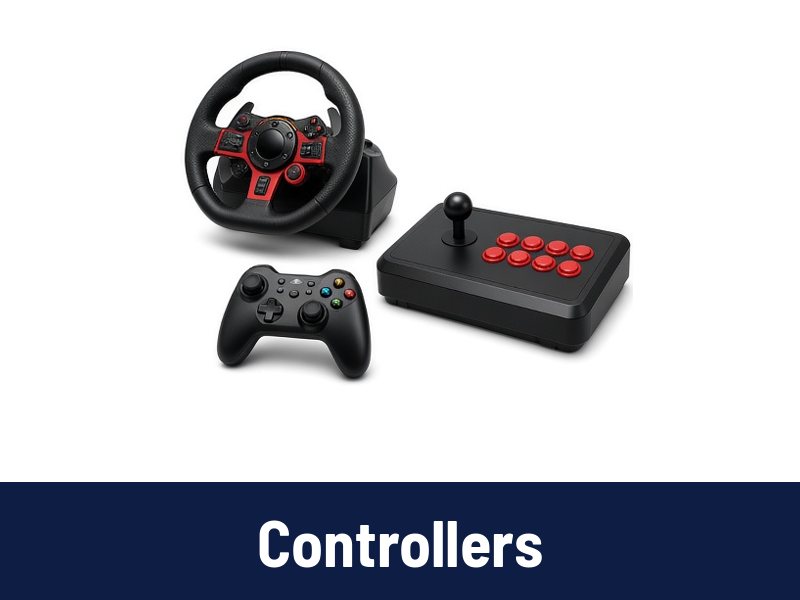 Controllers
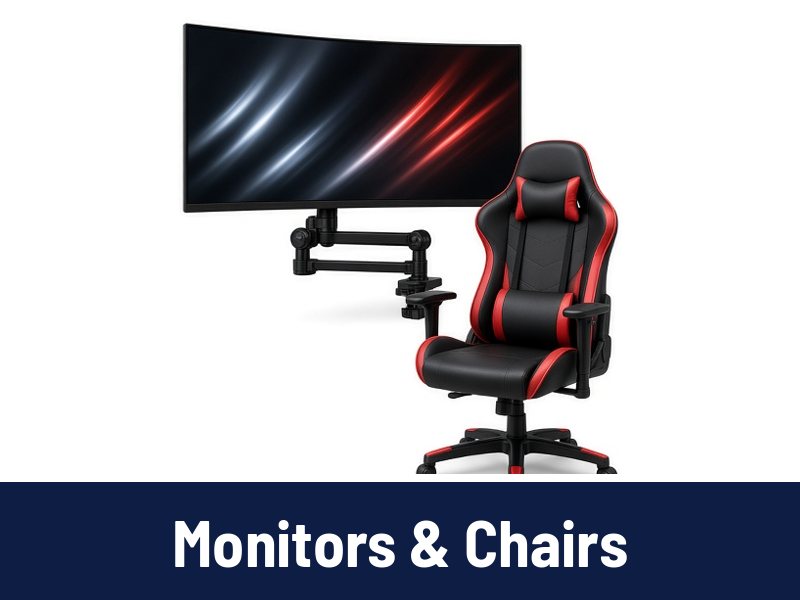 Monitors & Chairs
Specs explained
Mechanical keyboard switches explained

Linear, tactile and clicky switches in plain words, and what to check on a keyboard listing.
What to check
Linear switches move smoothly with no bump. Many players like them for fast, repeated presses.
Tactile switches have a small bump you can feel, which helps with typing accuracy.
Clicky switches add a sound to the bump. Great feel, but loud in shared rooms.
Also check layout size, connection type and whether switches are hot swappable.
Before you buy
Every product on Pixora shows the date we checked its price. Purchase Now opens the retailer's product page, where the order is completed.